


Video OnTheGo
Simply scan this QR Code with your smart phone
to take this video with you on the go.
 Got it!
Meridian Flip Tutorial - ASIAir
Peter Zelinka
Additional Information
Related links, images and relevant information involving this howtube video.
The "Meridian" is an imaginary line that goes directly overhead from North to South. A "Meridian Flip" is where your mount will automatically rotate your camera and telescope once the object you are photographing crosses the Meridian. Without the meridian flip, your telescope and camera would go below horizontal, and continue to rotate towards the ground. It's possible that the camera could run into a tripod leg, or even the ground, if the mount keeps rotating all night long. Therefore, most Go-To Mounts have automated Meridian Flips, although you may need to configure it in your image acquisition software.
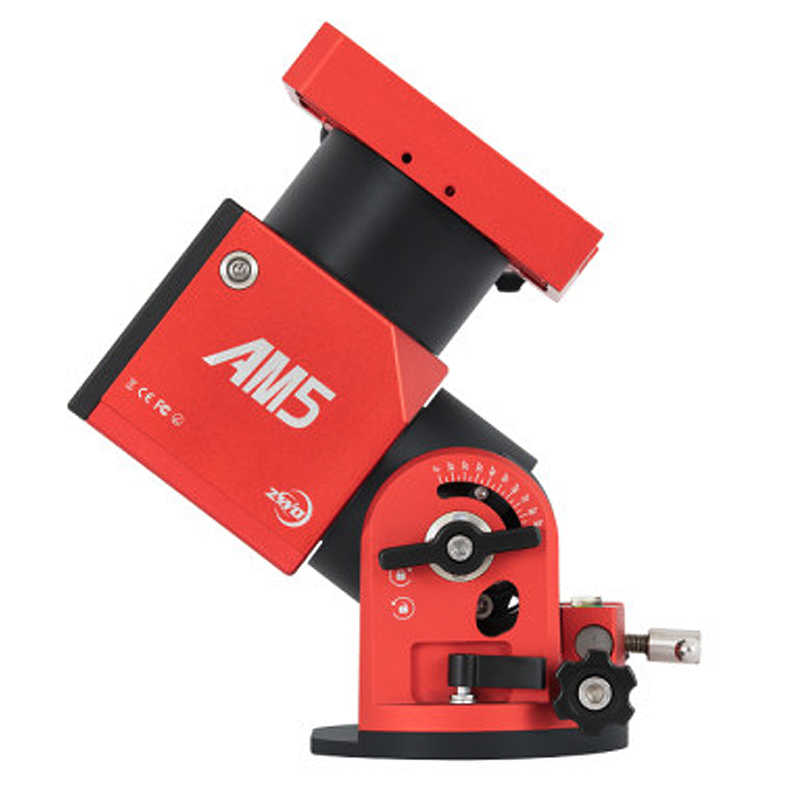
For those with the ZWO AM5 Mount, it's important to know that it will automatically stop rotating once the object you are photographing reaches the meridian. The mount is smart enough to know that if it rotates any further, it's entering the "danger zone". This can be problematic though, if you fall asleep and didn't have the meridian flip enabled. Since the mount is no longer tracking, all of your photos will be blurry.
The fix is very simple, go into the "Auto-Run" menu and the current "Shooting Schedule". Turn on the switch for "Meridian Flip". That's it! Now the mount will handle everything for you.
Based on my current understanding, the AM5 is one of the few mounts to have this feature. Most other mounts will continue to rotate all night long. That could be very dangerous if you fall asleep until the morning. Without any intervention, the telescope and camera could smash right into the ground. Therefore, regardless of the mount you are using, it's always a good idea to enable the Meridian Flip. (*Star Trackers like the SkyGuider Pro and Star Adventurer do not have this functionality.)
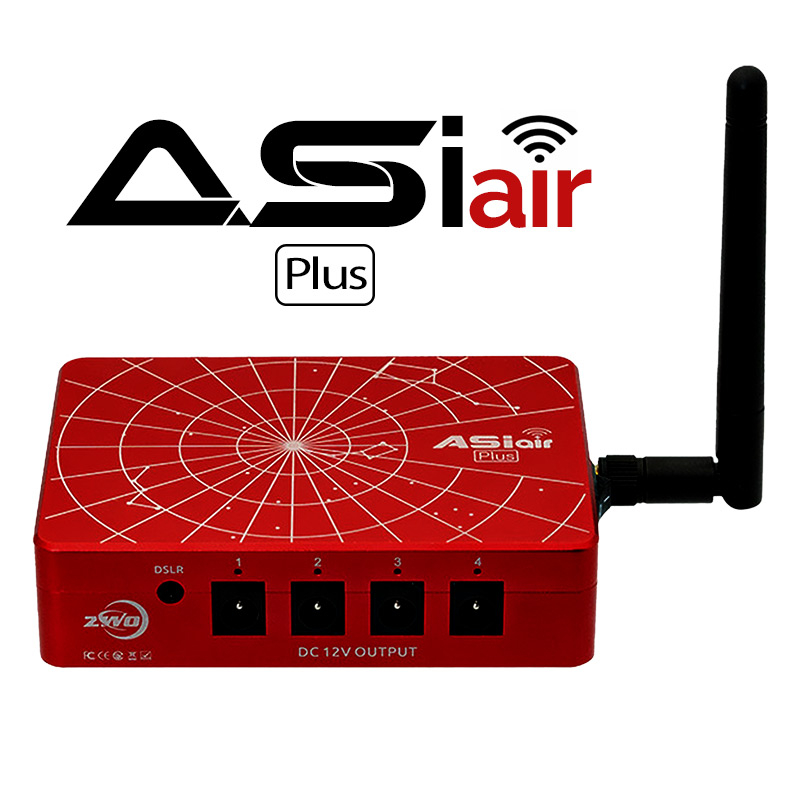
Featured Products For This Video
Shop for the products you need/found in this video
Comments
Comment on this video
Make a Donation
Support this channel with a recurring or one-time donation


paweltraczynski
Oct 9, 2022
Max
Sep 28, 2022