


Video OnTheGo
Simply scan this QR Code with your smart phone
to take this video with you on the go.
 Got it!
Auto-Guider + Laptop - Full Workflow
Peter Zelinka
Additional Information
Related links, images and relevant information involving this howtube video.
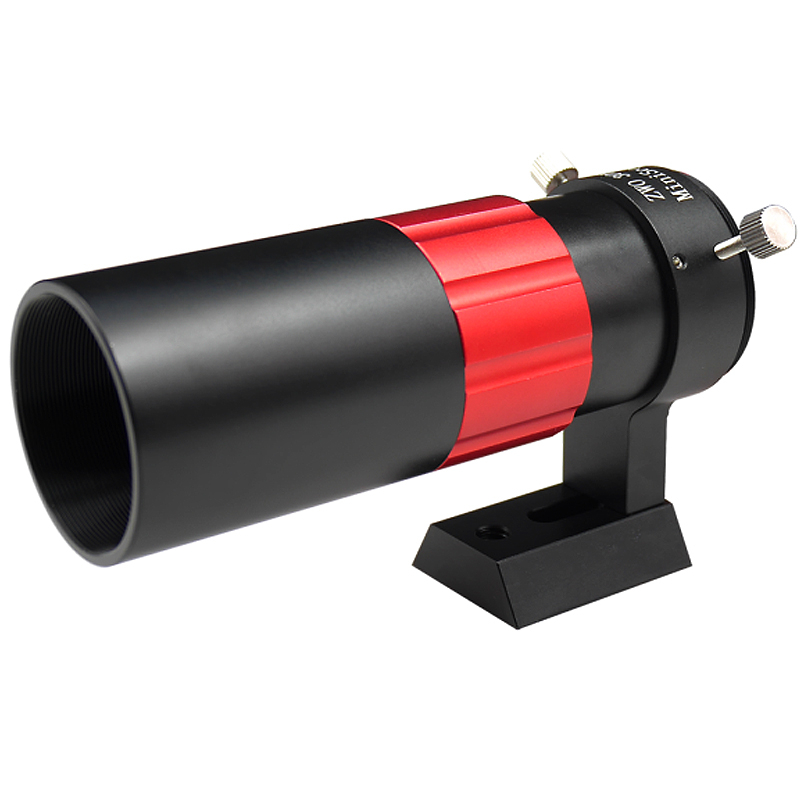
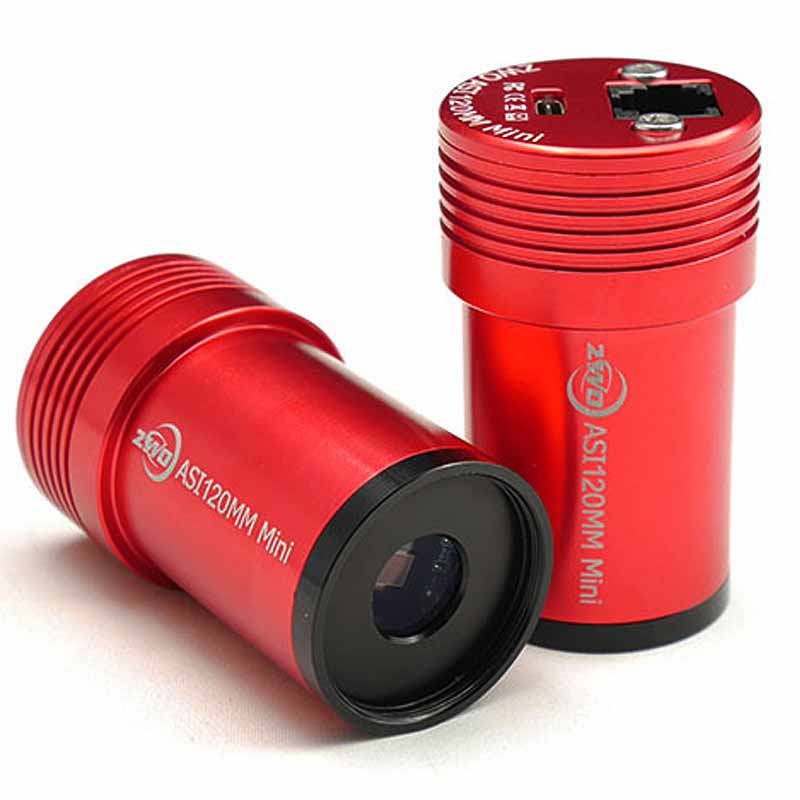
If you just purchased your auto-guider and guide scope, but don't have an ASIAir yet, you can use SharpCap and PHD2 for your polar alignment, focusing, and guiding.
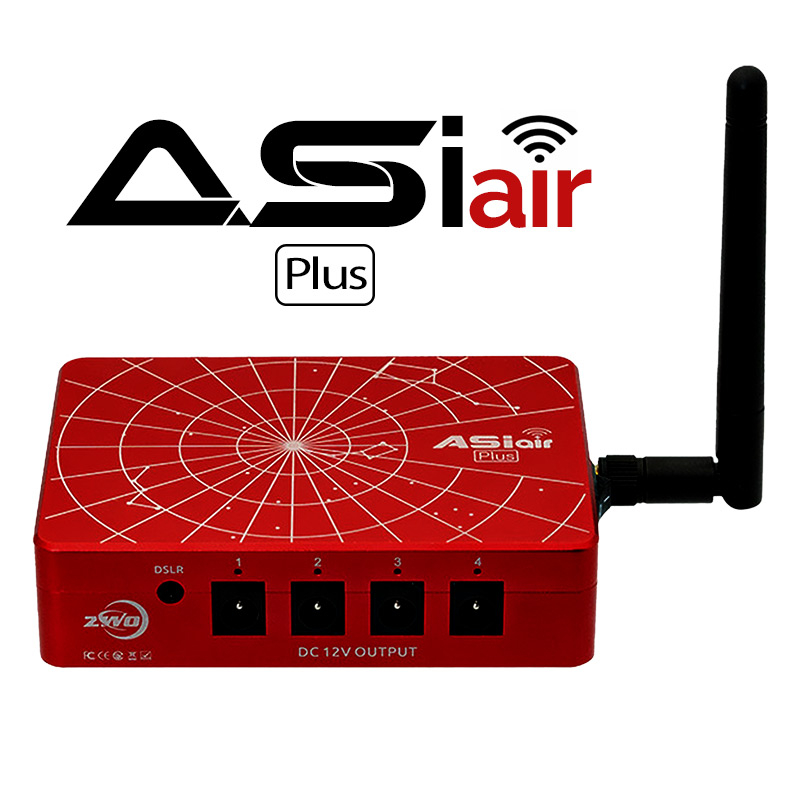
This workflow is great if you're just getting started with your auto-guider. However, the laptop can be a major pain to deal with at night. Therefore, I highly recommend upgrading to the ASIAir Plus as soon as possible. This little device can do more than both SharpCap and PHD2 combined, and the best part is that you can control everything from your smartphone or tablet. No more standing around in the cold! Now you can relax on your couch, monitor the progress wirelessly from your phone, and control every aspect of your setup.
Click here to download the Deep Space Course PDFs
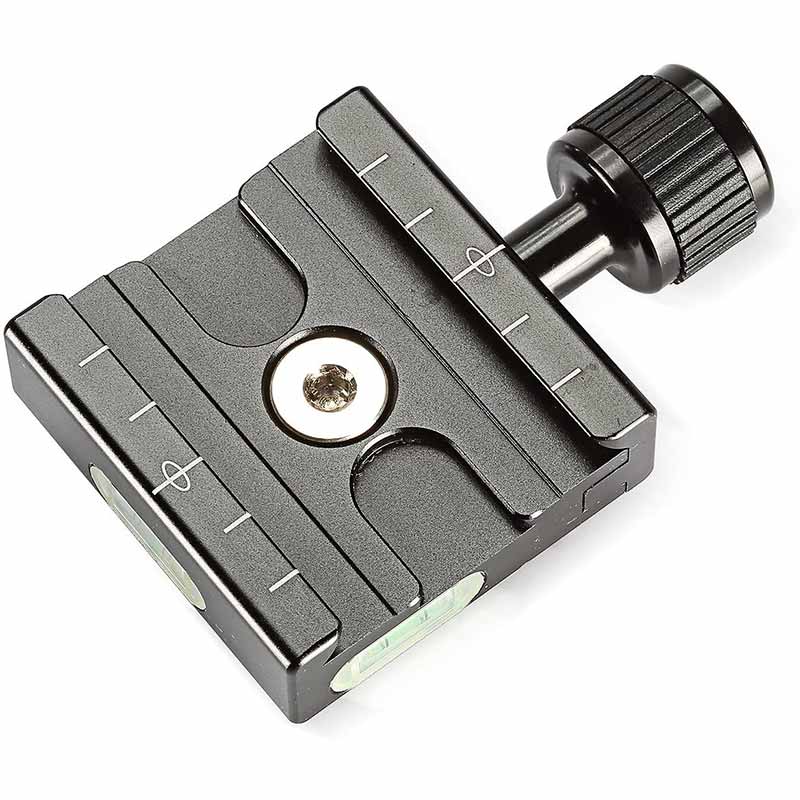
Featured Products For This Video
Shop for the products you need/found in this video
Comments
Comment on this video
Make a Donation
Support this channel with a recurring or one-time donation

