


Video OnTheGo
Simply scan this QR Code with your smart phone
to take this video with you on the go.
 Got it!
Intermediate Workflow

Peter Zelinka
Additional Information
Related links, images and relevant information involving this howtube video.
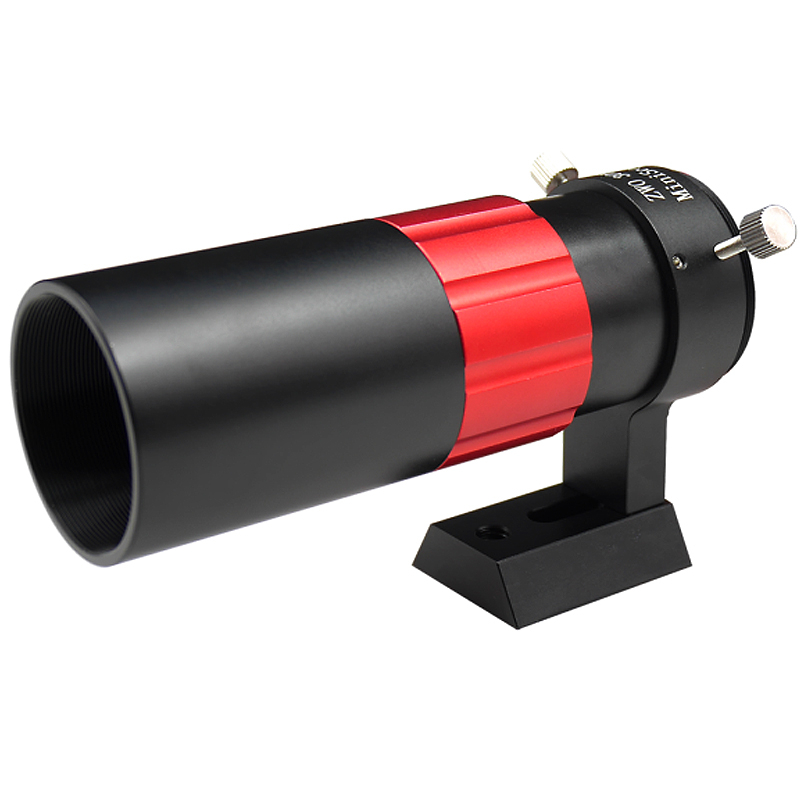
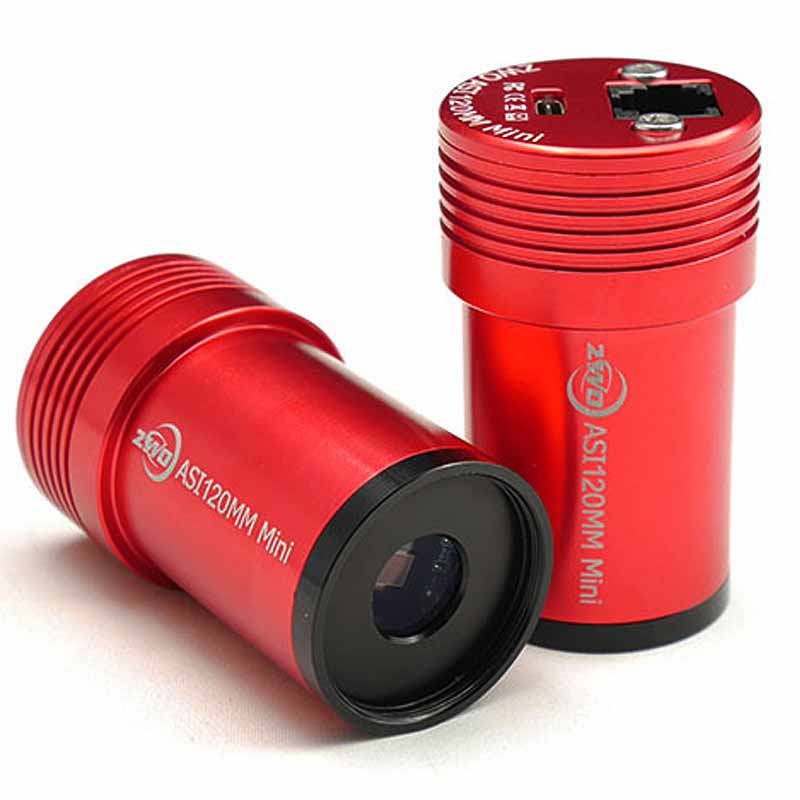
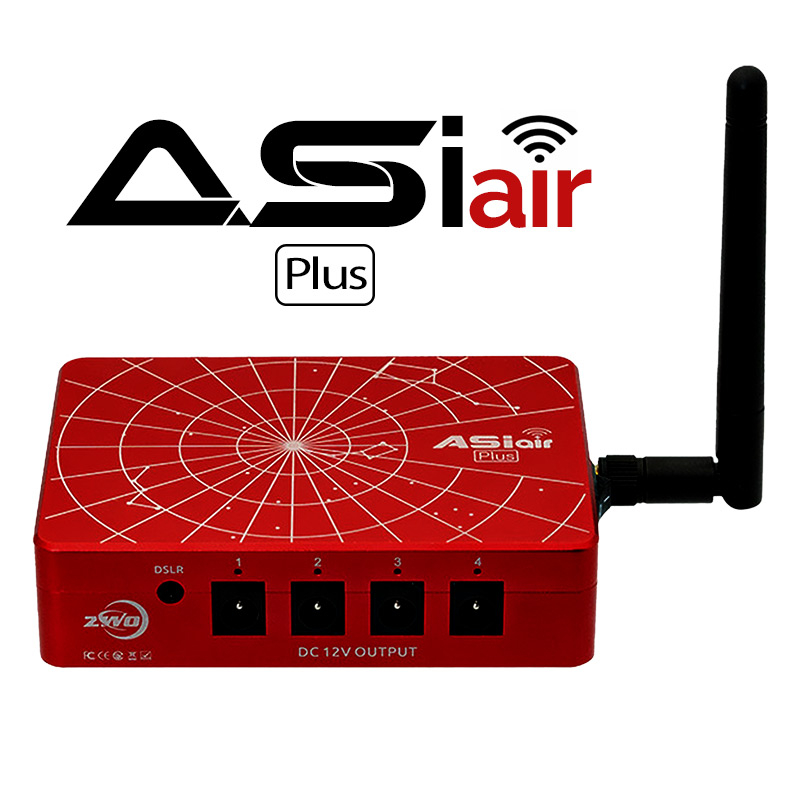
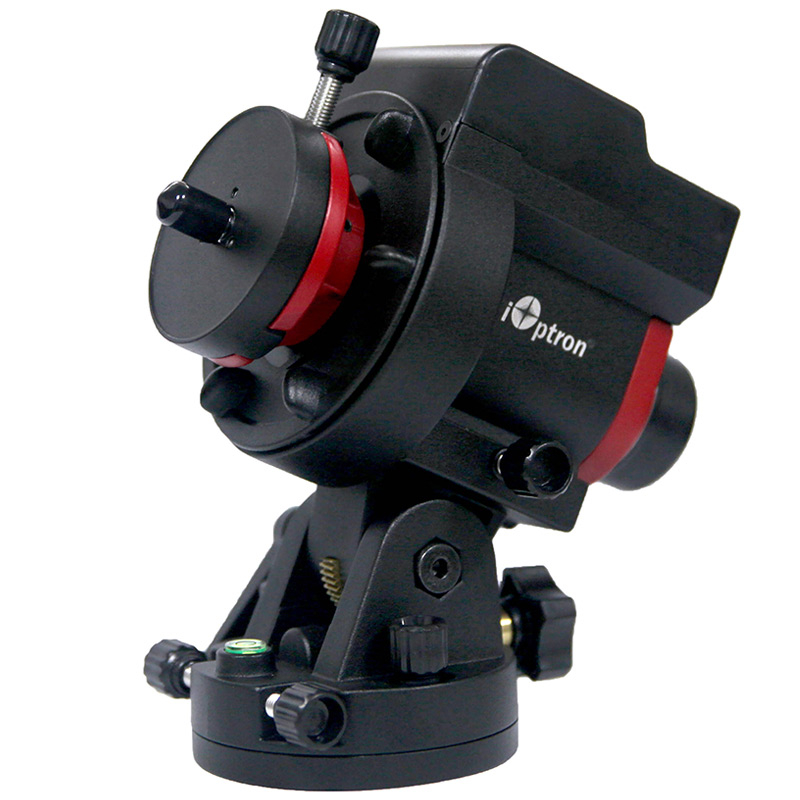
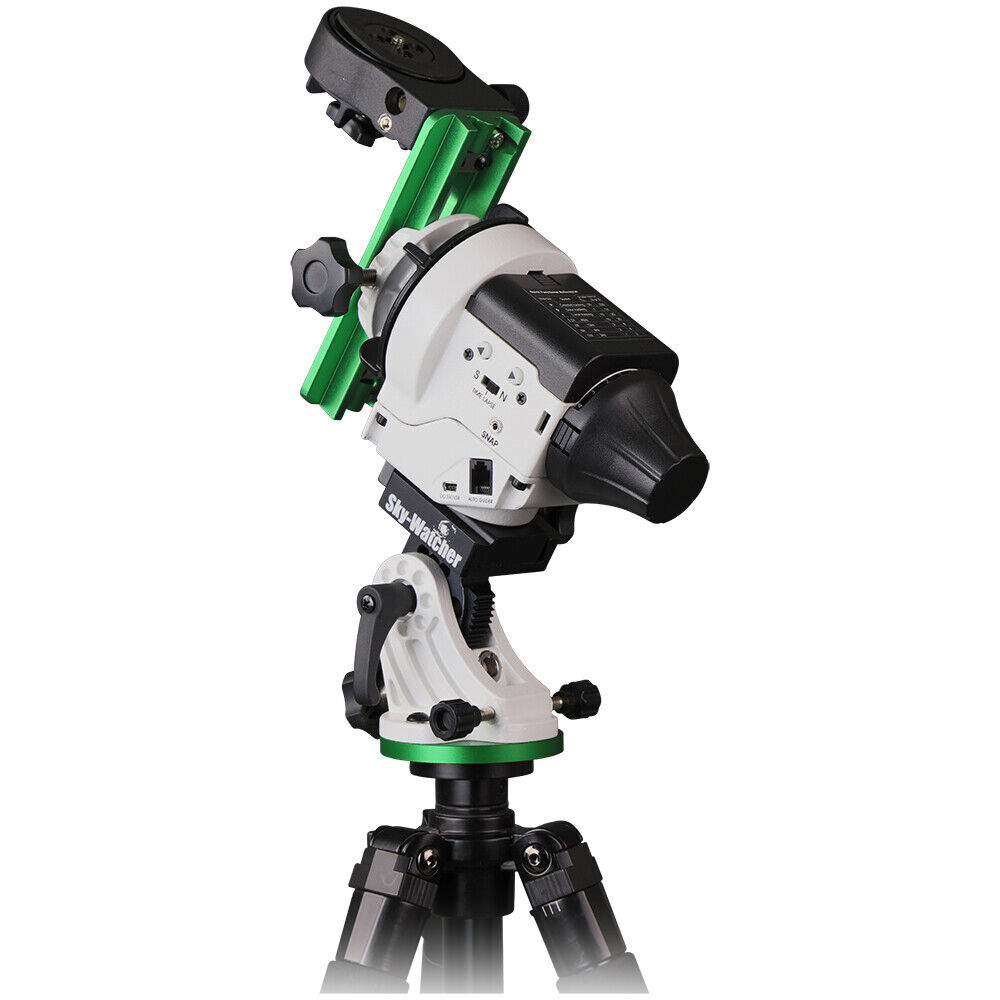
If you've been using your star tracker for a few months, and feel comfortable with the process, you are ready to take things to the next level. I recommend purchasing an auto-guider and guide scope, along with the ASIAir. This combo will help make your star tracker run much better! Even if you decide to upgrade to a Go-To Mount in the future, you can still use this gear on the new mount.
Basically, the auto-guider analyzes a few stars and draws a box around them. If it notices that the star(s) are moving away from the center of the box, it will send a command to the star tracker. This command is usually just "slow down!" or "speed up!". This only lasts for a fraction of a second. Then the auto-guider takes a new photo, and sends another signal. This process repeats all night long, usually every 2 or 3 seconds.
Here's one way to think of it:
Your star tracker is fairly lazy, and doesn't keep good track of time. It will try to move your camera with the speed of the stars, but it's not perfect. This is especially noticeable at 200mm . Without an auto-guider, the star tracker just does whatever it wants. However, once you attach an auto-guider, it whips the star tracker into shape! Now the auto-guider is sitting there, watching the star tracker like a hawk. If it deviates even slightly, the auto-guider will yell at the star tracker to get back in line!
In my experience, adding an auto-guider drastically increased my star tracker's performance. I was able to go from sharp stars at 30 seconds, to sharp stars at 4 minutes with the help of the auto-guider!
Another benefit of an auto-guider, is that it can be used to help with your polar alignment. With the help of applications like SharpCap or the ASIAir, the auto-guider can analyze your polar alignment accuracy. Then give you easy corrections to get the perfect alignment. "Go up 3 degrees, 34 minutes,10 seconds. Go to the right 1 degree, 2 minutes, 26 seconds". You can now make those adjustments on the alt/az screws on the base. It will refresh with new corrections. You can repeat this until your total polar alignment error is minimal. (Less than 2 arc-minutes of error)
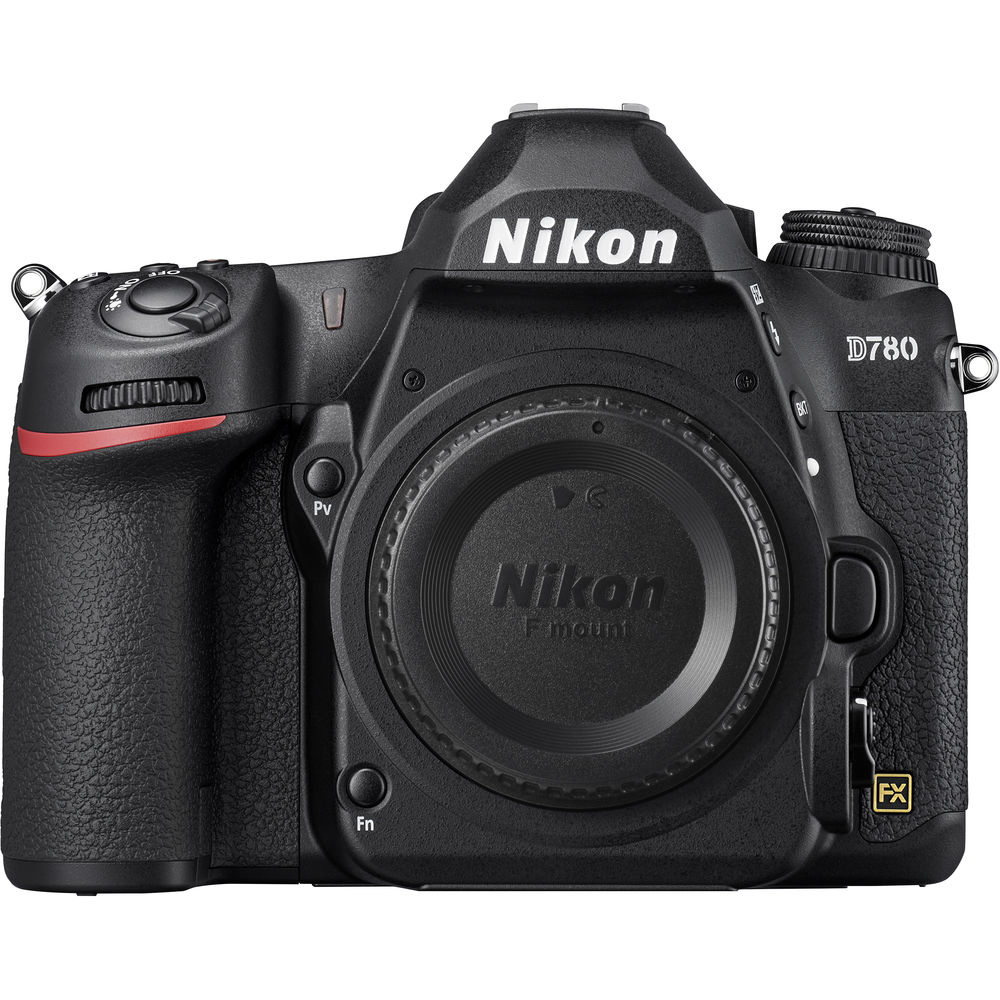
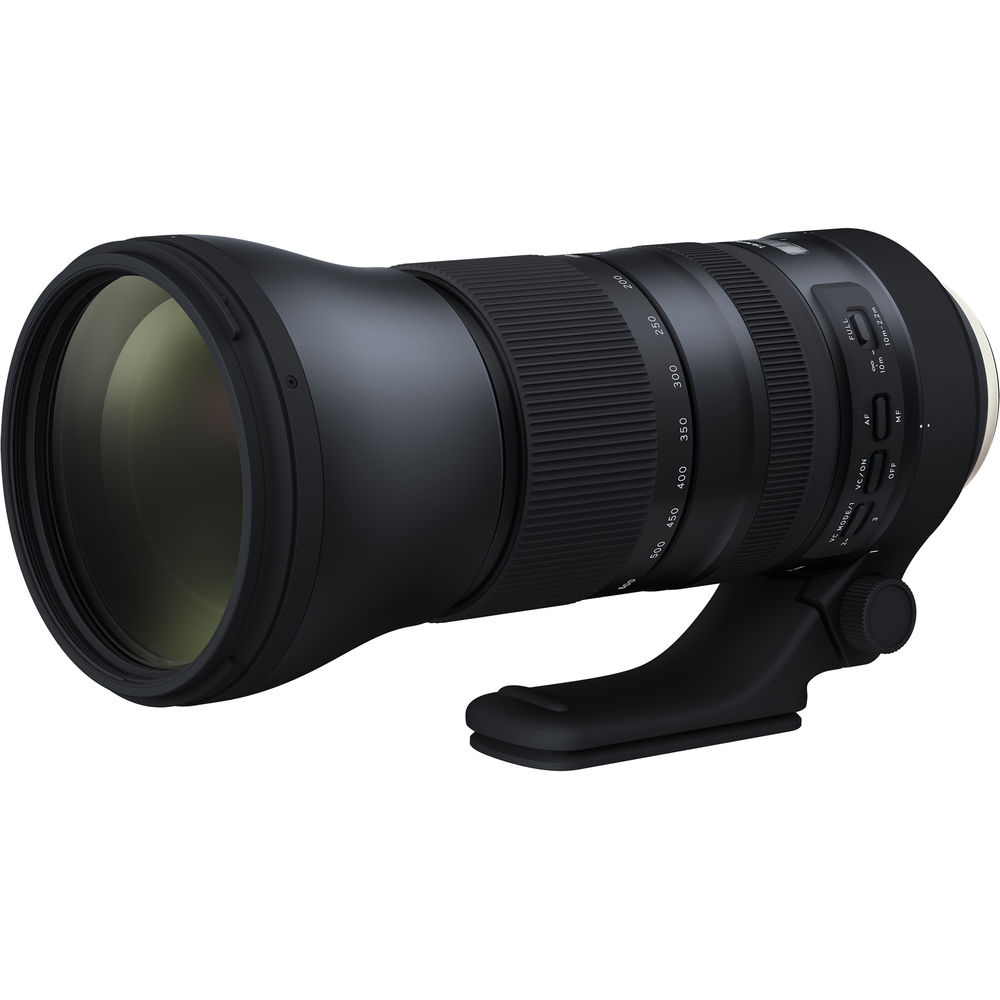
Featured Products For This Video
Shop for the products you need/found in this video

Comments
Comment on this video
Make a Donation
Support this channel with a recurring or one-time donation


mvoeller
Jan 12, 2023
KevsAstroAndTimelapse
Mar 13, 2022
KevsAstroAndTimelapse
Mar 13, 2022